

MergeGuard on GitLab
Sign in with GitLab, pick a project from the dashboard, and open a merge request. Comments land on the Changes tab. Reply there if you want a suggested patch. Using GitHub instead? → Watch GitLab demo →
All demosGitHub demoGitLab demoMergeGuardAgent demoDashboard demoInstall MergeGuardAgent
1
GitLab workflow · Screen 1/4
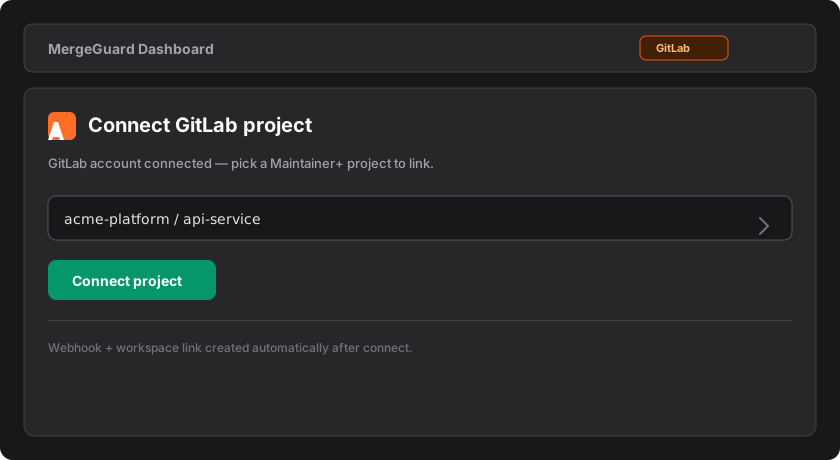
Sign in and connect your GitLab project
Use GitLab OAuth on MergeGuard, then pick a project from the dashboard—no manual hook setup.
- Create a MergeGuard account or sign in, then click **Continue with GitLab** on the sign-in page.
- Open **Dashboard** and use **Connect GitLab project** (Maintainer access required).
- Select the project and click **Connect project**.
- Use **Reconnect project** on the dashboard if reviews stop appearing for that repo.
1/4 · ← → space
Ready to connect? Authorize GitLab, then pick a project on the dashboard.